
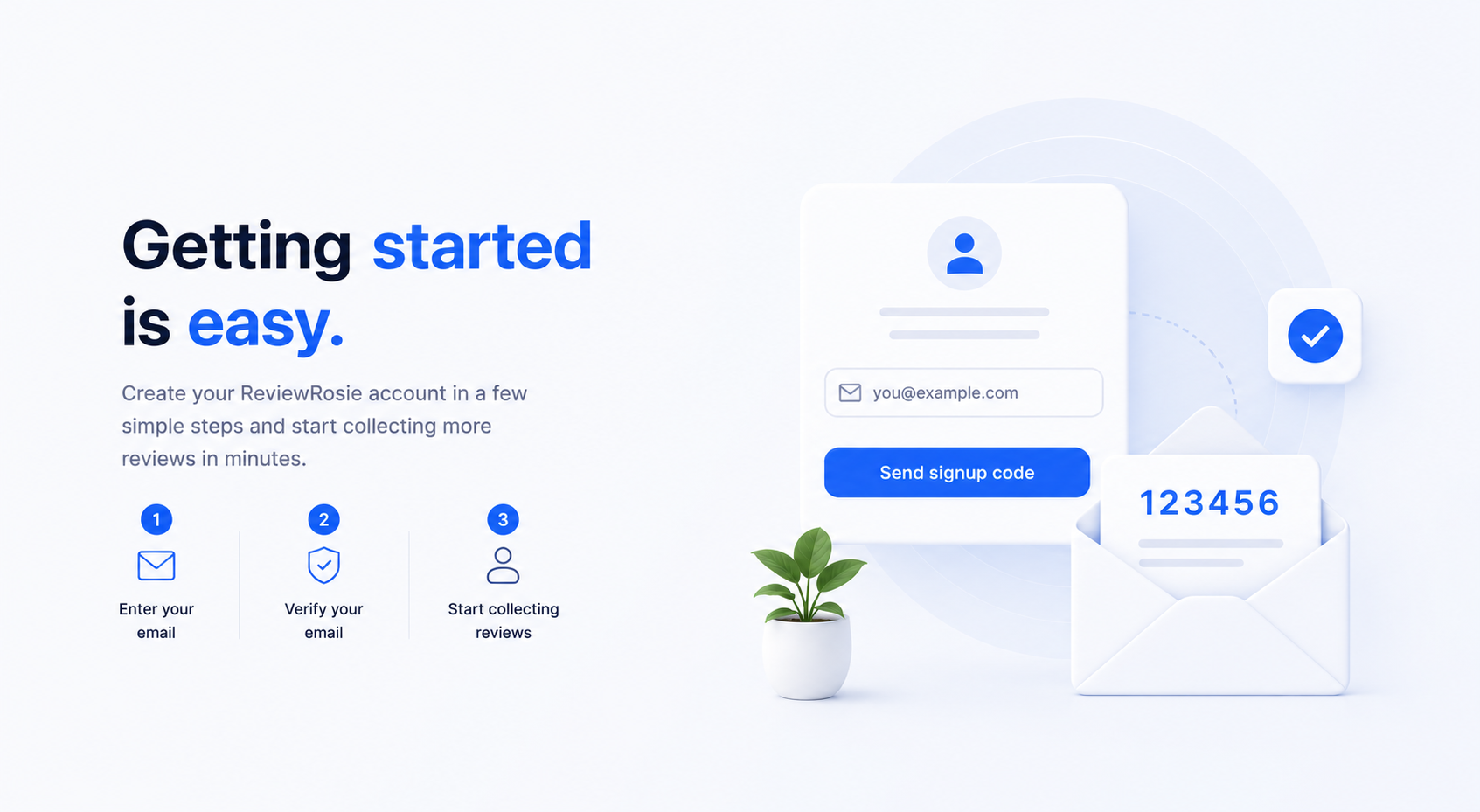
Getting started with Reviews5 is quick and easy. Enter your email address on the sign up page and click Send signup code. We'll send a secure 6-digit code to your inbox.
Check your email and enter the verification code on the website. Once your email is confirmed, your Reviews5 account will be created automatically.
After signing up, you can add your business details and start collecting reviews through email, WhatsApp, SMS, or QR codes in just a few minutes. No password is required.